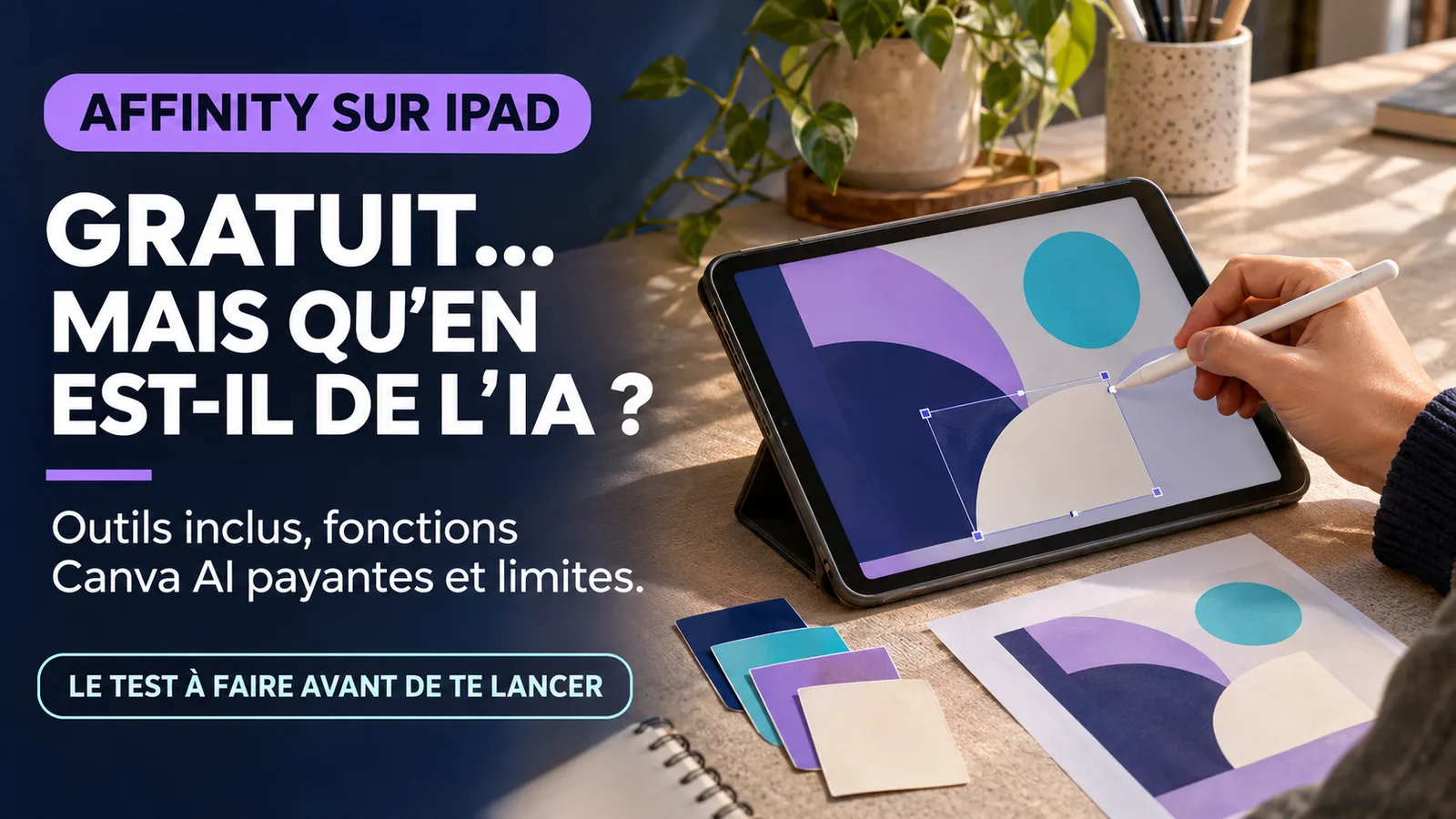
Affinity for iPad is available free of charge for individuals, with the essential tools of drawing, vectorial, photo editing and layout combined in a single application. Canva I has announced the 3 November 2026 and the application is already on the French App Store. However, it takes a free Canva account, an iPad compatible with iPadOS 18 or later, and a premium Canva subscription to unlock the functions of Canva AI Studio.
For a creator, photographer, illustrator, trainer or independent, the most useful change is not only the price. This is the possibility of changing an idea from the sketch to the document ready to publish or print in the same file .af, without exporting every change in discipline. This promise nevertheless deserves to be confronted with the absent functions, the compatibility of the files and your true working method. Information and availability verified on 4 November 2026.
What Canva officially launched on 3 November 2026
Canva launched Affinity for iPad as an all-in-one creative application designed for touch and Apple Pencil. It brings together four workspaces: Sketch for free drawing, Vector for shapes and curves, Pixel for photo editing and Layout for layout. These spaces share the same file .afwhich can also be opened in Affinity on Mac or Windows.
The status is clear: it is not a preversion or a restricted access to a few testers. The app is available on the App Store. The fiche french d poster as free with integrated shopping, in French, for iPad. It weighs about 1,9 Go and requests iPadOS 18 or a later version. Canva does not publish in its announcement an exhaustive list of countries, but the presence of the French card confirms access in France. In La Réunion, availability depends on the territory configured for Apple ID, as for any app distributed by the French App Store.
Canva presents the application as a professional experience and not as a simple remote control of the computer version. The drawing reacts to the pressure and inclination of the stylus; compatible models can also use overflight, Pencil body rotation or side pressure. The retouch remains non-destructive, allowing to modify or cancel a setting without permanently damaging the original file. Page tools include text, grids, multipage compositions and print outputs.
This ad is not a duplicate of the Canva novelties already analyzed by VIFLY. Canva Craft concerns the generation of images and Canva Brush conversational design changes. Affinity for iPad is a complete production environment: it targets source file, precise gestures, editing, vector and layout.
What is really free — and what is still paying
The word "free" here is broader than a simple essay. Canva indicates that individuals can use without payment the tools of Sketch, Pixel, Vector and Layout studios, as well as customization and export functions. A free Canva account remains mandatory to open the application. The creative heart therefore requires neither Canva Pro nor a separate Affinity subscription.
The paying border is located in Canva AI Studio. The built-in AI functions, such as the generative enlargement of an image, the assisted generation or modification, the improved definition, some blur or noise corrections and the decomposition of a flattened image in layers, require a compatible Canva offer. Canva quotes Pro, Business, Enterprise and Education offers according to eligibility conditions.
This distinction avoids two errors. The first would be to say that Affinity for iPad is fully paid for because of the integrated purchases visible on the App Store: purchases correspond in particular to Canva offers that unlock the AI, not access to essential studios for an individual. The second would be to present all functions as free: Canva AI Studio is not it for a Free account.
Before you sign up, leave the deliverable. An illustrator who designs, vectorizes and exports a visual can work with the free base. A photographer who systematically wants to remove noise with an AI function or enlarge images per generation must check whether the subscription actually saves time. The VIFLY selection of creative tools and AI by need the same logic follows: compare the tools with an identical project before paying for attractive but rarely used functions.
Why the single file changes work more than the function list
On iPad, a visual production can quickly become an export chain. The sketch starts with a drawing application, the logo passes into a vector tool, the photo in a publisher, then the brochure in a layout application. Each transfer can flatten layers, change a color, lose a font or create a new version difficult to find.
Affinity is trying to reduce these breaks. A drawing made in Sketch can become the basis of a vector form. A photo can be retouched in the same document, then join a cover, poster or several pages. File .af keeps the various components and can circulate between iPad and computer versions. For an independent, the concrete benefit is less time spent rebuilding the project context.
The announced compatibility is extended: Affinity can import PSD, AI, INDD, IDML, PDF and SVG files. Exports include JPEG, PNG, WebP, PDF, SVG, EPUB and INDD. However, "compatible" should be read with caution. Canva specifies that certain advanced objects, effects, masks, GREP styles, paintings or anchored elements can be flattened, simplified or request correction. A copy of the original file must be kept prior to any significant migration.
This unique file also does not remove the need for a system. Name your versions, keep fonts and licenses, set master dimensions and export files tailored to each destination. A blog cover, a mobile carousel, a printable PDF and a media kit are neither the same resolution, nor the same colorimetric space, nor the same margins.
Two practical examples for creators and freelancers
Example 1: a designer prepares a workshop campaign from her iPad
A ceramist is preparing a weekend workshop. She starts in Sketch by drawing a shape inspired from her pieces. It then transforms this base into vector curves to create a reusable pattern. In Pixel, it corrects the colors of a studio photograph without crushing the original. Finally, it combines the pattern, photo and program in Layout to produce a poster and a small PDF.
The free heart is enough for this scenario. The designer does not need to generate an image or use an AI correction to complete the project. It exports a cover, a square publication and a PDF document from a master file. After publication, its VIFLY LinkHub can bring together the programme, photographs of the workshop and the next action. The application creates the support; the destination turns attention into a qualified visit.
Example 2: a trainer corrects a workbook during an intervention
A trainer uses a twenty-page workbook previously created on a computer. During a session, he noted that a scheme lacked clarity and that an exercise needed additional space. It opens the file .af on his iPad, redraws the diagram to the Pencil, adjusts the text blocks and exports a new PDF before sending to the participants.
The gain does not come from an automatic generation of support. It comes from the continuity between the professional file and the mobile tool. The trainer must still control the fonts, page jumps, links, colors and weight of the PDF. If it imports an InDesign document, it also checks advanced styles and anchored objects. VIFLY methods for content creators recall this articulation: produce a coherent support, test it, and then measure whether it actually guides towards the expected stage.
The viewpoint VIFLY : a portable studio is useful only if your work remains portable
Real creative freedom isn't about doing everything on an iPad. It is to be able to take over, verify, export and re-use your work without remaining trapped in a gesture, format or subscription.
The free Affinity is an excellent front door. However, it must not become the only criterion of choice. A professional tool is based on its ability to maintain sources, produce the requested formats, collaborate with the individuals involved, and allow a clean exit if your organization changes.
For VIFLY, Affinity's interest in iPad lies in three continuitys. The first connects the sketch to the final file without deleting the intermediate steps. The second link mobility to office work through the format .af. The third link creation to a destination: a visual must ultimately explain an offer, present evidence, transmit a resource or incite legitimate action.
This logic avoids confusing equipment and strategy. Buying an iPad or downloading an app does not solve blurred positioning, weak visual hierarchy, or incomprehensible offer. On the other hand, a coherent tool can reduce manipulation and allow more time for message selection, relationship to the audience and quality of delivery.
Nuances, limitations and points to watch
Not all desktop functions are present at launch. Affinity cites, among other things, the absence of Books, Batch, Data Merge, Quick Adjustments, Info and Scope panels, and the recording of macros and astrophotography Studio. Canva plans for additions without a detailed schedule. A photographer working in batches or a publisher using data fusion should therefore not replace his main post without testing.
Pad and Pencil remain a separate investment. The app is free, but it requires an iPadOS device 18. Advanced gestures also depend on the Apple Pencil and iPad models. Check hardware compatibility before organising a training or buying a stylus for a specific function.
Imported files can request corrections. A complex PSD, an illustration with advanced effects or a highly structured InDesign document may lose some of its behavior. Work on a copy, check the layers and compare the final export to the reference.
Free for individuals does not describe all organizational uses. Teams in need of centralized management, SSO, business functions or d Do not automatically transpose the individual promise to an agency, school or large team.
A Canva account is mandatory. Consult the settings, privacy policy and storage practices before opening customer documents. The App Store sheet indicates that several categories of data can be collected according to the functions used. Reduce embedded personal data and separate confidential projects from public demonstrations.
IA functions do not replace rights control. Expanding a photograph, generating an element or reconstructing layers does not guarantee the accuracy of the result, legal originality or permission to use the starting material. Keep the licenses of images, fonts and resources, and then reread the conditions applicable to commercial use.
What to do now? An eight-step protocol
- Check the device. Confirm that your iPad accepts iPadOS 18, has enough space and supports the gestures of the stylus you need.
- Choose a real deliverable. Test the application on a blanket, carousel, workbook or media kit, not on a demo without a destination.
- Install with a free Canva account. Start with the free base and find precisely the functions that trigger a premium offer request.
- Work on a copy. If you import a PSD, Illustrator or InDesign file, keep the original and check for layers, fonts, colors, effects and complex objects.
- Create a master file. Consolidate the drawing, shapes, photos and layout into a correctly named document, then define your recurring dimensions and styles.
- Test the exits. Export at least one Web image and a PDF. Check weight, sharpness, margins, colors, text and opening on a second device.
- Measure the actual gain. Compare total time, avoided return trips, necessary corrections, and easy to retrieve the file on computer.
- Then decide for the AI. N, activate a premium offer only if a repeated function — enlargement, correction or decomposition — results in a gain greater than its cost and verification time.
The good test is not "can I do everything with Affinity?", but "is this project becoming simpler without losing its quality and portability?". If the answer is yes on multiple deliverables, the iPad can become a real complementary creative position. Otherwise, keep Affinity as a targeted tool rather than forcing a complete migration.
Is Affinity for iPad really free?
Yes, Canva indicates that individuals can use free tools from Sketch, Pixel, Vector and Layout studios, as well as customization and export functions. A free Canva account is required.
Is Canva Pro necessary?
Not for the essential tools of drawing, photo, vector and layout. A premium Canva offer is required to unlock the functions of Canva AI Studio embedded in Affinity.
Is the application available in France and in Reunion?
The card is available on the French App Store since launch. In France, the application can therefore be downloaded to a compatible device. At Réunion, access depends on the territory associated with Apple identifier; accounts using the French App Store should find the same file.
Does Affinity for iPad completely replace the computer version?
Not for all workflows. The main studios are present, but several desktop features are missing from the launch, including batch processing, some technical information, macros, Books and Data Merge.
Can we open Photoshop, Illustrator or InDesign files?
Affinity announces support for PSD, AI, INDD and IDML, as well as PDF and SVG. However, certain advanced effects, styles or objects may be simplified, flattened or require manual correction.
Do you need an Apple Pencil?
No to open and edit documents, because the interface is also tactile. The Pencil nevertheless brings more precision and gestures adapted to drawing, masks and curves. The functions available vary according to the stylus model.
Sources
- Canva Newsroom, "Affinity for iPad: sketch, vector, photo and layout in one app", 3 November 2026.
- Affinity, official presentation and frequent questions about the iPad app, consulted on 4 November 2026.
- Apple App Store France, Affinity by Canva, consulted on 4 November 2026.