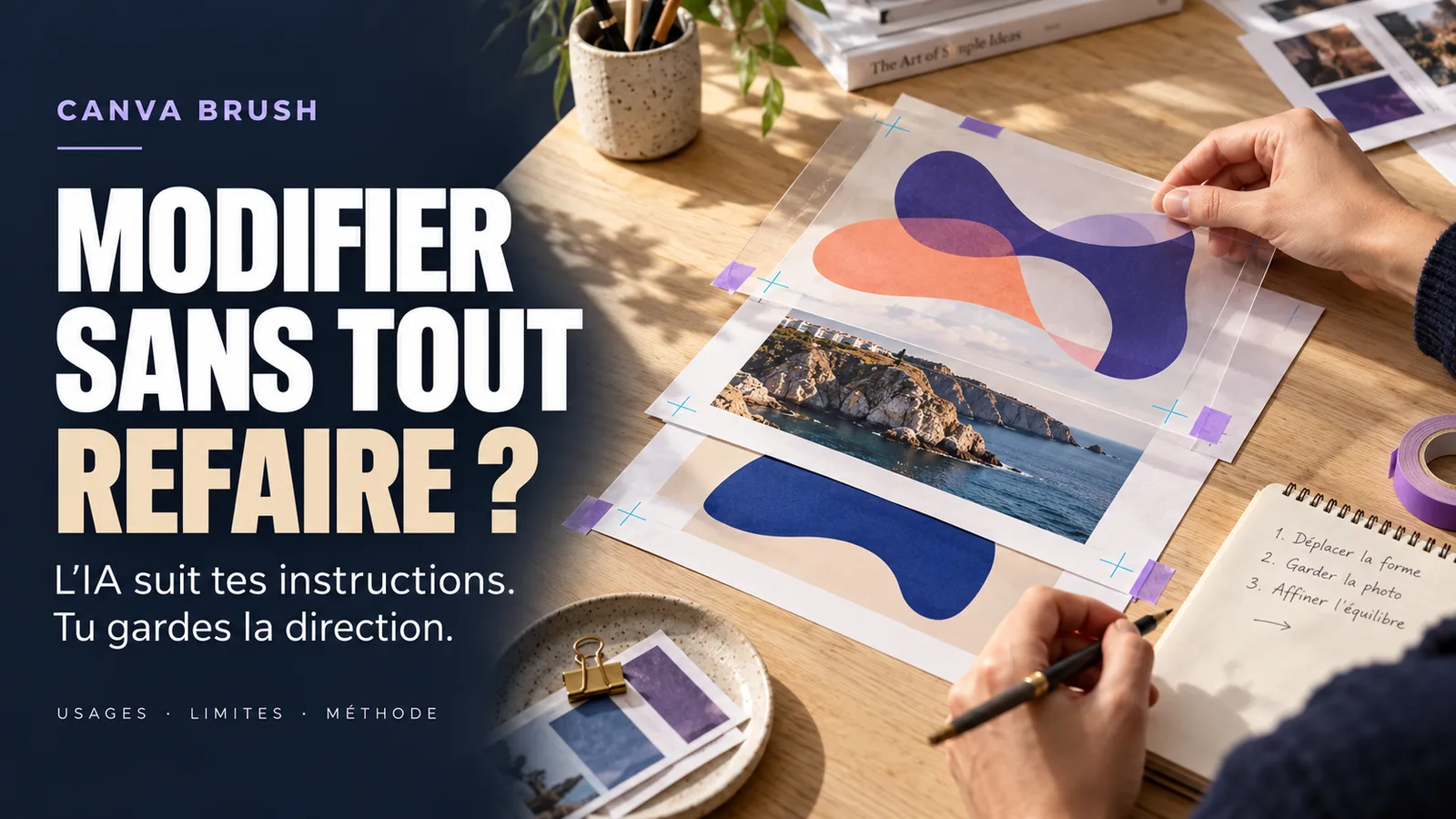
Canva Brush is not primarily used to generate a new image. It seeks to understand the structure of an existing design to modify a text, page or several formats while leaving editable elements. For creators, the potential gain is therefore less in automatic inspiration than in reducing repetitive corrections and variations.
Canva presented Brush on 29 October 2026 as a vision-language model specialized in design publishing. Since its launch, it has been feeding certain changes supported in Canva AI for Canva Pro subscribers. The company announces a later expanded availability, without publishing a detailed calendar by country or by formula.
Canva states that Brush can modify a line of text, apply a multi-page change, restore a creation or adapt it to another format. The objects remain editable in the editor: text, images, colors, layouts and other elements are not merged into a simple flat image.
The promise is interesting, but it does not replace an artistic direction. Quickly executed modification can remain bad for the brand, unreadable on mobile or unsuitable for the platform. The proper use is to delegate repetition and then retain human validation on hierarchy, message, evidence and identity.
Information verified on 30 October 2026. The presence of Brush must be checked in the relevant Canva account, as availability may depend on package, language, region, admin settings and supported surfaces.
What Canva officially announced on October 29 2026
In its official announcementCanva describes Brush as a vision-language model designed by Canva Research. A vision-language model treats visual elements and textual instructions together: it not only reads a sentence, it also analyzes the composition to be modified.
Canva explains that Brush examines the structure of a design, makes the required changes, and then can re-evaluate the result in a so-called agent loop. In the background, the system writes and executes code to adjust the elements, inspects the page and continues the necessary corrections.
The result remains entirely editable in Canva. This precision distinguishes a structured modification from a retouch that would transform the entire document into a flattened image. The creator can take his hand in the editor, move an item, change a color or fix the text manually.
Canva says Brush is up to 69 % faster on general editing tasks and costs 46 % less per task than its previous design agent. These results come from Canva's internal tests. They describe the model's technical efficiency compared with the previous system, not a guarantee that every user's working time will fall by 69 %.
The company states that Brush has matched or exceeded the quality of its previous device on most of the tasks evaluated, with good results in restylization and adaptation to other formats. Again, this is an internal evaluation whose briefs, detailed criteria and cases of failure are not fully published.
Brush and Craft don't do the same job
The proximity of ads can create confusion. Canva Craft, presented a week earlier, is a model of image generation. Brush focuses on publishing a structured design. Craft produces visual material; Brush changes the composition that surrounds or transforms an existing document.
Article VIFLY on Canva Craft and image generation analyzes issues of rendering, editability and rights related to visual creation. Brush responds to another friction: maintaining consistency when the same concept has to become a presentation, a square publication, a Story, a cover or several pages.
This difference is strategic. Generating a new image answers the question "what could be created?" Changing a design responds to "how do we evolve what we have already validated without rebuilding everything?". The second task is often less spectacular, but much more frequent in a professional activity.
Brush can for example change a palette, adapt an atmosphere, modify titles on several pages or remix a creation for another channel. Canva points out, however, that the support of the Brand Kit, the reference to attachments and the improvement of compositions rich in images are still among the future developments. The first version is therefore not presented as complete.
Two practical examples for creators and trainers
A designer declines a campaign without reconstructing each format
A designer prepares a master visual to announce a workshop. It validates the portrait, palette, font, contrast, title and call to action. It then produces an Instagram publication, a Story, a LinkedIn banner and newsletter coverage.
Without a method, it duplicates the file, resizes each format and manually fixes overlaps. With Brush, it can demand a multi-proportional adaptation of the design while maintaining the visual direction. The model prepares the variations; It then checks the safe areas, the cuts, the text size, the contrast and the rendering on the phone.
The gain comes from the reduction of mechanical operations. It does not come from a full delegation of the campaign. The creator remains responsible for the message, the choice of image, the hierarchy and the published version.
After publication, it can bring together the workshop, the programme and the next action in its VIFLY LinkHub. The visual attracts attention; the destination must then explain the offer and allow the visitor to move forward.
A trainer updates a thirty-page presentation
A trainer has a thirty-page presentation. She needs to replace the year, make some subheadings consistent, change a secondary colour and adapt four pages for a new module. A multi-page instruction can prepare repeated changes without opening each block separately.
The trainer must nevertheless read the entire medium. A global instruction can change a title that would remain unchanged, reduce a font, move a source or produce an inconsistency between text and graph.
It thus treats Brush as a running assistant: precise list of changes, copy of the original document, first automated pass, page-by-page control and validation of the final file. The tool accelerates maintenance; pedagogical coherence remains human.
The viewpoint VIFLY : automate repetition, not your eyes
The VIFLY perspective is simple: a design AI becomes really useful when it protects a creative decision already thought out instead of producing more variations without intent.
A poor master visual will give rapid but mediocre variations. Before automating, the creator must define what must not change: promise, tone, main colors, typography, density, face position, message hierarchy and call to action role.
The VIFLY guide for create with the AI without becoming generic recalls that the tool must be from a point of view, examples and real constraints. Brush does not remove this requirement. It simply makes corrections more conversational.
Speed can even encourage a bad habit: producing twenty variations because they are easy to generate. An audience does not need twenty changes of atmosphere. It needs to recognise a brand, understand an idea and know what to do next.
Article VIFLY on the too perfect content that loses confidence brings an essential shade: visual quality is not the same as credibility. A creation can be impeccable and stay cold, generic or unable to show real proof.
For a collaborative activity, the Media Kit VIFLY a coherent identity must also present the positioning, platforms, achievements and contact modalities. Brush can speed up formatting; he cannot invent a credible experience or audience.
What should you do now? An eight-step testing method
- Choose a non-sensitive document. Start with an old campaign, carousel or support with all the rights.
- Create a copy. Keep the master file intact so you can compare and reverse.
- Define the invariants. Note the colors, fonts, elements, messages and proportions that must not be changed.
- Give only one transformation by instruction. First test a change in palette, format or title before combining multiple requests.
- Check editable items. Check that texts, images and blocks remain separate and manipulatory.
- Test the actual rendering. Export a version and look at it on mobile, in the wire or on a projector according to usage.
- Measure the full time. Count preparation, recovery, corrections and export, not just Brush's first answer.
- Create a reusable procedure. Keep the instructions that work, the validation checklist and the usual formats.
A fair comparison covers five to ten similar tasks. Record the time spent working manually, the time spent using Brush, text errors, departures from the brand and the corrections needed. If the tool reduces manual work without increasing revisions, it deserves a place in the workflow.
The selection of AI VIFLY tools can help reposition Canva in a wider chain: research, writing, visual creation, verification and dissemination. No tool should be evaluated only on its most spectacular demonstration.
Nuances, limitations and points to watch
The launch concerns supported changes. Canva does not say that Brush can perfectly modify each document, format or type of content from the first version.
The main advertisement quotes Canva Pro. The help center more widely features Canva AI features on Pro, Teams, Business and Nonprofit, but the publication of Brush specifically mentions Pro subscribers. Check the Canva AI menu, package and admin rules for your account.
No complete list of countries is published for Brush. Canva AI supports French among several languages, but some functions may have a narrower linguistic or regional scope. The absence of Brush in a French or Reunion account does not necessarily contradict the announcement.
The gains of 69 % and 46 % are internal measurements. The first figure relates to the speed of the model for certain general editing tasks; the second on the technical cost per task compared to the previous agent. They do not guarantee your productivity or a decrease in your subscription.
The Brand Kit complete is still announced as a future project. Do not assume that each trademark rule will be automatically applied or protected. Control colors, fonts, margins, logos and tones.
The compositions rich in images remain an improvement axis. The collages, very dense documents, small texts, tables and graphs need to be reinforced.
Editable does not mean exact. A layer can remain editable while being misplaced, illegible or fcurrently false. Check dates, numbers, quotes, sources and advertising.
The rights remain attached to the content used. Do not load an image, font, logo or client document without proper authorization. Automation of a modification does not create missing rights.
Frequently Asked Questions and Sources
What is Canva Brush?
Canva Brush is a vision-language model specialized in the modification of structured designs. It includes instruction and visual composition to modify elements while leaving them editable.
Is Canva Brush available in France and in La Réunion?
Canva does not publish a complete list of countries for Brush. Deployment begins with some modifications supported for Canva Pro subscribers, with an announced expansion. The presence of the function must be verified in the account.
Is Canva Brush free?
The launch announcement quotes Canva Pro subscribers. Canva does not announce general and unlimited access for free accounts.
What difference between Canva Brush and Canva Craft?
Craft mainly generates images. Brush changes the structure of an existing design, including its texts, colours, pages, layouts or formats.
Do designs remain editable?
Yes, Canva indicates that the text, images, colors and arrangements remain editable in the editor after the intervention of Brush.
Can Brush automatically apply my Brand Kit?
Canva cites the improvement of Brand Kit support among the current developments. Therefore, compliance with the mark must be checked manually in the current version.
Sources
- Canva Newsroom — Introduction Canva Brush, a vision-language model for design, 29 October 2026.
- Canva Help Center — Get started with Canva AI, consulted on 30 October 2026.
- Canva Help Center — What's new in Canva AI, consulted on 30 October 2026.