
You write "Tuesday at 10 h" to a customer in Lyon. You were thinking about your time, he's thinking about his time. You both confirmed, and yet you planned two different dates. On a reservation between Réunion and the metropolis, always write the date and the two hours when you propose a niche per message.
Find a suitable niche on both sides
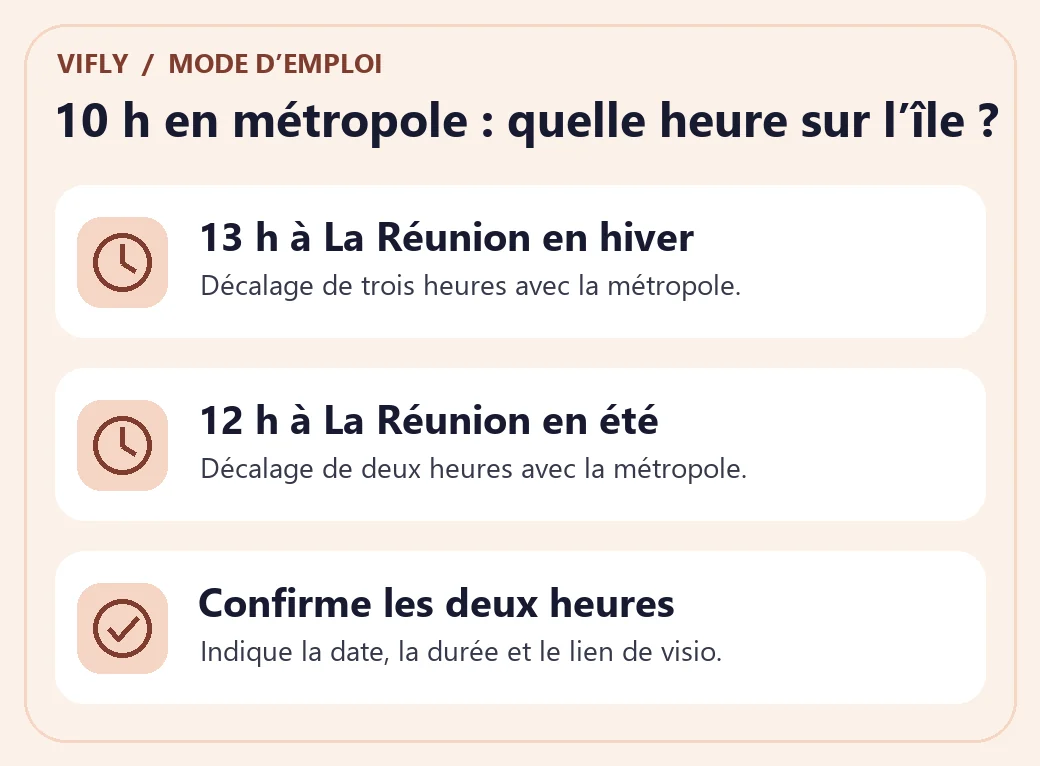
The meeting keeps the same time all year round. She three hours ahead in metropolitan winter and two hours advance in metropolitan summer. Choose the column that matches the date of the appointment. Regional Tourism Committee of La Réunion · Decree on French legal time
| Customer time in metropolitan France | In Réunion in metropolitan winter | Meeting in Metropolitan Summer |
|---|---|---|
| 9 h | 12 h | 11 h |
| 10 h | 13 h | 12 h |
| 11 h | 14 h | 13 h |
| 14 h | 17 h | 16 h |
| 16 h | 19 h | 18 h |
If you finish your calls at 17 h in La Réunion, the morning of the customer in the metropolis leaves you more room. For a call of 30 minutes, compare the hours of start and end. An appointment at 14 h in metropolitan France ends at 17 h 30] in La Réunion in metropolitan winter.
Two messages to copy
To propose the appointment
Hello [first name], I propose the [full date] at [hour] in metropolis / [hour] in Reunion. Planned [duration]. We will take stock of [subject] to leave with [next step]. Does this slot fit you?
To confirm after booking
Your appointment is confirmed on [full date]. We meet at [hour] in the metropolis / [hour] in La Réunion for [duration]. Here is the link of visio [link]. If you have to move the appointment, here's how to warn me [instruction or link].
If the message is addressed to a prospect that has never been reserved with you, also specify what the call covers. For an open call, give the duration and the objective. For a paid session, indicate the price and what is included before booking. See an example session page
Check the page as if you were the client
- Open your public link on the phone and check that the session name, duration and zone indications are understandable.
- Make someone read the first slot on the page. Ask him what time he would notice at home and in what zone. If the answer is uncertain, make it explicit where it hesitates.
- Add the two hours to the summary of your message. If the slot is located after the next change of hour in the metropolis, check from its date before sending it.
If you often offer the same session, give your customers a link that brings together the service and the slots available. You can share it from the channel where the conversation started and keep the same confirmation message as a benchmark. To train, the VIFLY Booking demo allows you to choose a display spindle and reread confirmation with fictitious slots. Try the booking route