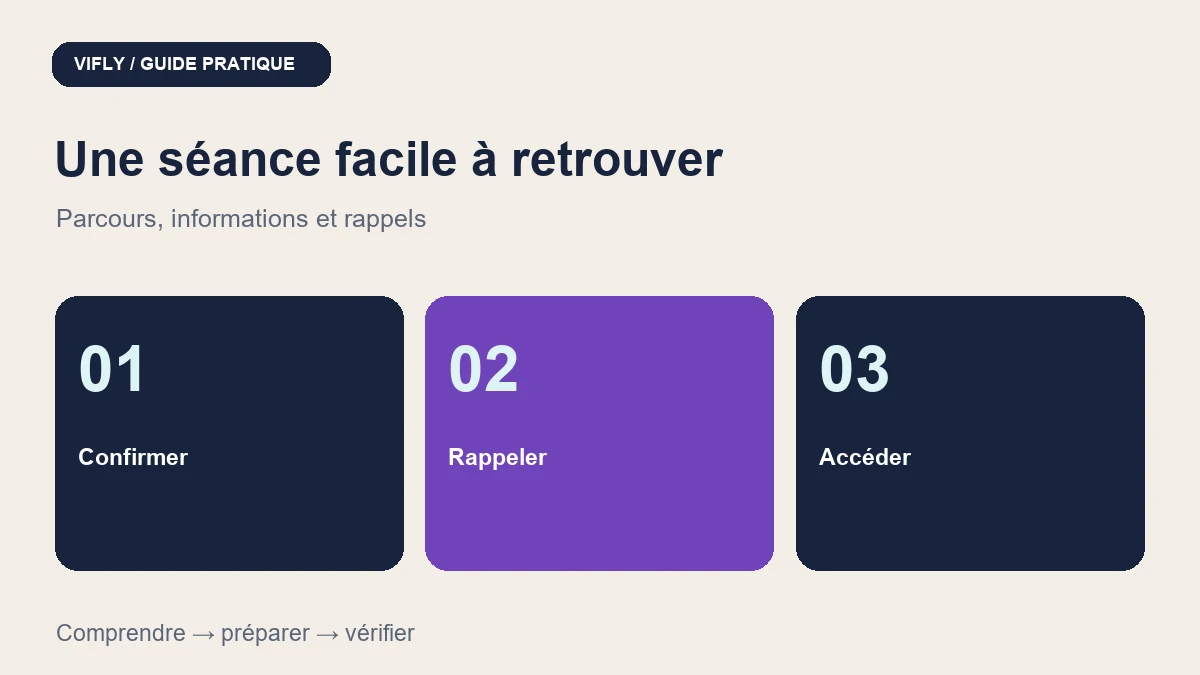
To limit forgotten appointments, start with a route that the customer can read again: date, time, spindle, access and possibility to prevent. The reminders supplement this information. They do not guarantee the delivreability of an email, the presence of the client, or a decrease in the number of absences.
The messages below are examples of writing with fictitious data. They are not sent to anyone and do not constitute an announcement of new Booking settings.
Contents
Before booking: remove ambiguities
- Names the benefit and specifies its duration, purpose and what is included. A board meeting and a call for qualification must remain separate.
- Presents the price and conditions applicable before commitment. For a paid session, check the payment and confirmation method offered in your space.
- Show the spindle with the time. If your activity is in Réunion and the customer in metropolitan France, do not assume that one hour is the same local time.
- Explain the format: address for the display, visio details and location of the access link. Check this link without asking for unnecessary data or access.
- Announce the terms of the postponement and a way to warn you. Check the actual account options before promising an automatic change button.
A confirmation sufficient to return to the meeting
Fictitious example: "Your offer page audit is confirmed for Thursday 12 November 2026 at 14 h, Réunion time (Indian/Meeting), i.e. 11 h in Paris at that date (Europe/Paris). Duration: 45 minutes. Format: videoconference. Find the conference link in the summary of your reservation. Prepare a single page to examine and the two questions you want to address. For obstruction, use the contact indicated in the meeting conditions. »
This example implies a booking actually confirmed. Do not use it for a pending payment or an application to be validated. The price, terms and conditions must remain accessible in the actual summary. The Paris–La Réunion time difference varies over the year: the example is valid only for the date indicated.
What the Booking reminders check offer
| Point | What is verified | Limit to be respected |
|---|---|---|
| Channel | Reminder emails around 24 h and 2 h before the appointment. | Do not announce SMS or WhatsApp for these reminders. |
| Eligibility | Reservation confirmed, payment paid or not required, reminder not already marked sent. | An unvalidated claim or payment does not come into this case. |
| Implementation | The treatment selects appointments in windows close to these schedules. | Sending depends on the execution of the email processing and service; It's not a minute guarantee. |
| Settings | Service information, availability and terms and conditions should be checked in the Booking area. | No free choice of hours or template editor is announced here. |
The public presentation of VIFLY Booking indicates these reminders by email. The control of the code confirms the above criteria; it does not constitute a delivery test on each mailbox. Reservations taken after a window may not receive the corresponding reminder. If in doubt, check a test session before releasing the page.
Two useful examples to adapt in your own monitoring
The day before: "Tomorrow we have an appointment to audit your offer page, Thursday 12 November at 14 h in La Réunion / 11 h in Paris. The session takes 45 minutes. Check your video link and prepare the page. If you have an impediment, let me know by the contact indicated in your summary. »
Before the session: "Our meeting starts at 14 h, Reunion time, that is 11 h in Paris today. Keep your summary at hand to open the access link. You can prepare your page and two questions. In case of connection problem, use the contact provided for the session. »
These texts are models of communication, not an exact reproduction of VIFLY automatic emails. An operational reminder must remain focused on the appointment; does not add a commercial campaign to which the person has not chosen to register.
The checklist before offering your first slots
- Test the journey by visitor: performance, choice of niche and coherent summary.
- Check the time and the spindle on the test client's summary, confirmation and calendar.
- Check the confirmed status and, if necessary, the payment status in the test environment.
- Check the visio link or address, the means of contact and the conditions of postponement.
- With a demo account and a test box, check the messages received and any unwanted ones. Never launch a bundle to real customers to test.
- Follow separately confirmations, cancellations, postponements and meetings held. Compare comparable periods before suggesting an effect.
Start with the session document (in French) and the Booking demonstration course. To interpret the results, keep the denominators of the guide to booking rates.