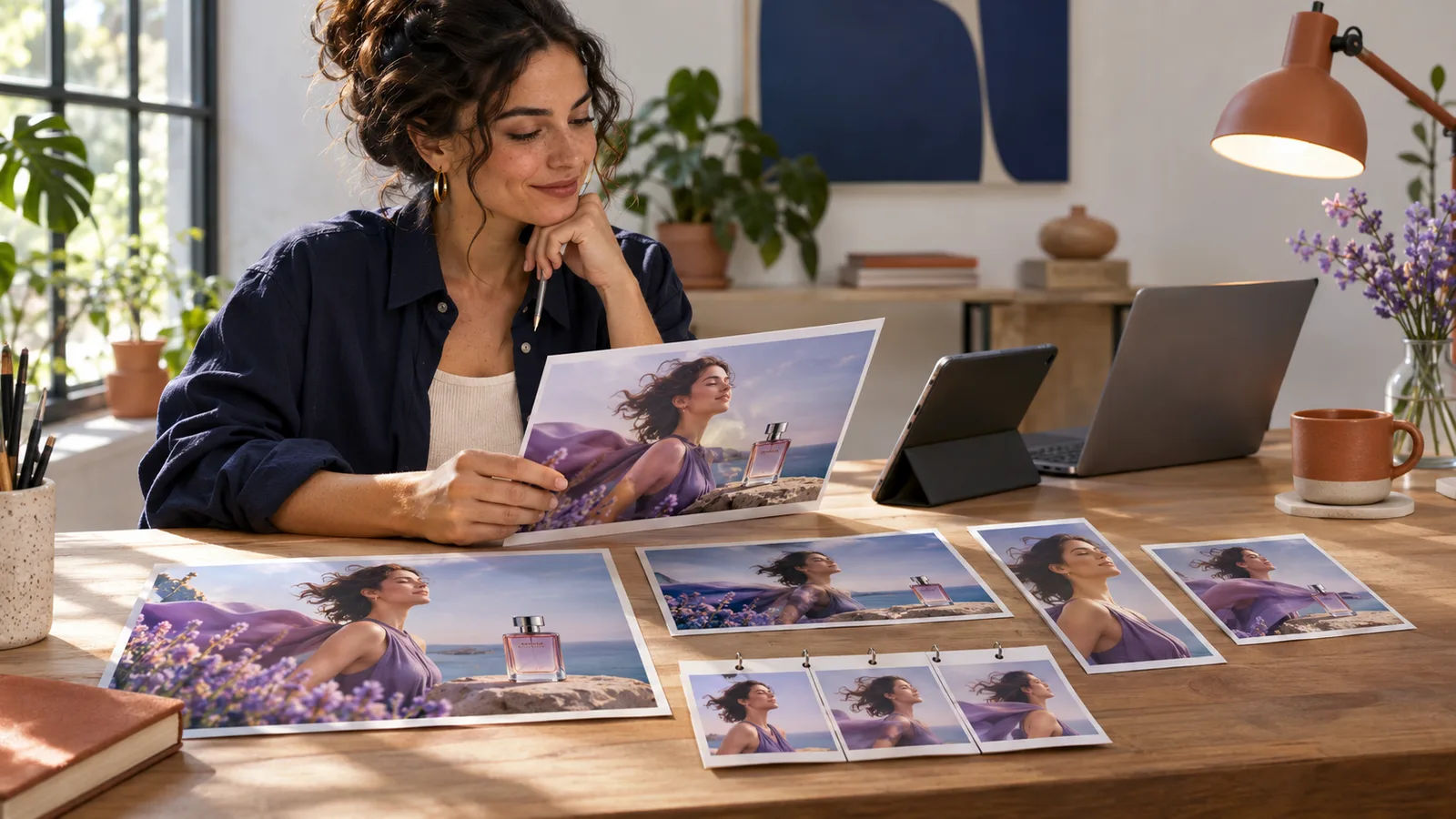
OpenAI Images 2.6 does not only change the generation speed: it brings together the creation of images of a real campaign workflow. The model is announced 50 % faster, better preserves characters, products and brand details over the course of retouching, can create GIFs and adds in the API guided retouches, SVG exports and a complex setting.
For a creator, coach, trainer or small brand, the issue is not to produce fifty visuals instead of ten. It consists of obtaining a main image, correcting it without losing its identity, and then turning it into coherent and useful formats. A faster generation does not create artistic direction, proof or an understandable offer.
Images 2.6 is available worldwide in ChatGPT and Codex on computer, mobile and Web, for all forms. GIFs are following a gradual deployment in ChatGPT: their absence in an account does not contradict the announcement. In API, Flare and Sunburst models as well as GIF and SVG outputs are already documented. Information verified on 6 November 2026.
What OpenAI officially launched on 4 November 2026
OpenAI presents Images 2.6 as a new generation of its visual creation and editing system. The official announcement highlights four evolutions: faster iterations, more consistency with changes, creation of GIF animations and more controls for developers.
The promise of speed is encrypted: OpenAI announces a generation 50 % faster than the previous version. In the API, GPT‐Image‐2.6 Flare aims at fast testing and can produce an image in six seconds with low quality. GPT‐Image‐2.6 Sunburst is more focused on precision, detail, and consistency between several retouches when the quality is medium or high.
This distinction is important. Flare should not be summed up with a "bad but fast" model, nor Sunburst with a button that would automatically guarantee a perfect visual. The choice depends on the time of work: exploring several compositions, correcting a local detail or preparing a draft does not require the same level of calculation as a final cover, a detoured product or a scene containing several constraints.
OpenAI also indicates that users are now creating four billion images a week in ChatGPT, Codex and the API. This volume explains why coherence becomes as strategic as the quality of an isolated image. When the generation is abundant, the value moves to selection, visual continuity, rights, and the ability to transform the result into deliverable.
Images 2.6 does not replace tools already analyzed by VIFLY. Canva Craft works the design-oriented generation in the Canva ecosystem, while Canva Brush changes the structure of editable documents. Images 2.6 focuses here on generation, editing of images, animation and outputs for different workflows.
ChatGPT, Codex and API: what is available, on deployment or reserved for developers
Images 2.6 is officially available worldwide in ChatGPT and Codex, on computer, mobile and Web, for all forms. The Help Center confirms access to ChatGPT Images on all account levels. This general availability does not mean that each formula has the same volumes, priorities or advanced functions.
The creation of GIF is being deployed in ChatGPT. A person can request an animated loop, describe what needs to move or load a fixed image in order to animate. Once a GIF created by ChatGPT, its playback speed can be adjusted. On the other hand, OpenAI specifies that ChatGPT cannot modify an animated GIF imported by the user. Since deployment is progressive, the function may not yet appear on a French or Reunion account at 6 November.
In API, Flare and Sunburst are available. The API is the interface for developers and automated tools. In particular, it allows you to choose the level of complexity, to specify a specific area to change and to request a GIF or SVG output. Its use is charged separately from the ChatGPT subscription.
For a GIF, the documentation provides from 2 to 16 successive images, with a configurable duration for each image. Simply said, the developer can control the length and pace of the loop. A short and light animation is better suited to an indicator, reaction or Story than a heavy sequence trying to replace a complete video.
For a SVG, the API produces a static vector file. The SVG is suitable for icons, shapes and illustrations that must remain clear at different sizes. However, it should not be confused with a universal design file: the documentation states that this output does not accept any script, external resource, or integrated matrix image, and that the image editing does not directly take an SVG as an input.
Finally, visual annotation arrives in the API. It allows to indicate a specific area to be changed rather than to request the entire composition. For a small team, this evolution can prevent a background correction from transforming the already validated face, garment, product or pallet.
Why consistency counts more than speed 50 %
A faster generation reduces the wait, but it can also speed up a bad method. If the brief does not specify the use, the audience, or the invariant elements, the tool produces more quickly attractive but interchangeable images. Speed becomes useful when the creator knows what should remain stable and what can vary.
A minimum visual system can hold in six decisions: two dominant colours, a type of light, a distance of framing, a way of representing people, a rule for texts and a list of prohibited elements. To this are added the elements specific to the project: exact product, outfit, decor, proportions, accessories and final format.
Consistency does not mean exactly reproducing the same image. It means that several visuals appear to belong to the same person, campaign or offer. A portrait can become a horizontal cover, a vertical publication and a light animation without changing character, tone or promise.
This continuity is also a matter of trust. A weekly offer with a radically different aesthetic can give the impression of an unstable identity. Conversely, a recognizable series helps the audience identify the author before even reading the name. The editorial line VIFLY remains the same: the tool must amplify a voice and an experience, not replace them.
So the right indicator is not the number of images generated in an hour. Time must be measured up to the validated visual, the number of edits, the preservation of brand elements, errors in text, compatibility with the final format and the effect of content on the expected action.
Two practical examples for creators and freelancers
Example 1: a coach prepares a workshop campaign
A coach organizes a small group workshop. It begins by creating a main image showing a natural work scene, with a blue palette night, beige and terracotta. It retains framing, light, hold and accessories as invariant elements.
She then asks for a vertical version for a Story, a horizontal cover for her article and a very light GIF loop in which a sheet or element of the decor moves. The movement is used to attract the eye without turning the scene into aggressive advertising. It controls every exit: face, hands, text, date, proportions and lack of false testimony.
The visual is not enough to fill the workshop. The coach must still explain the expected result, the audience concerned, the programme, the price and the conditions. Sound VIFLY LinkHub can then bring together the article, the workshop presentation and the main action. The image opens the door; the course transforms attention into understanding and then possible registration.
Example 2: a creator sells a digital resource
An illustrator prepares a digital notebook. She uses Flare to quickly explore several cover stages, then retains a direction. For finishes, it chooses a higher level of quality and requires that the character, notebook, colors and light remain the same as the corrections.
It can use a guided retouch to change only an unplaced object, then request in API a small SVG icon for the sales page. A GIF of a few images can show the opening of the notebook or the passage of a page, provided that the weight and legibility remain adapted to the channel.
Before selling, it checks the conditions of the tool, the rights to its references, the persons represented and the promise made to the buyer. The VIFLY guide on copyright and the sale of content generated with the AI aid in distinguishing authorisation of use, rights of third parties and protection from the final result.
In both examples, Images 2.6 does not replace the brief, artistic direction, or validation. His interest is to reduce the ruptures between exploration, correction, declination and animation.
The viewpoint VIFLY : build a visual system, not a content factory
When the generation becomes 50 % faster, the rare skill is no longer to ask for an image. It is to know which one deserves to be published, which must remain coherent and to which action it should lead.
The main risk of images 2.6 is not that creators produce too beautiful images. They confuse abundance with strategy. Ten variants do not improve a fuzzy offer. A GIF does not make a promise credible. A coherent identity does not arise only from the repetition of the same colors.
A useful visual system begins before the prompt. It starts from the positioning: who talks, to whom, what problem and with what evidence? The visual brief then translates this intention into stage, hierarchy, format and constraints. The AI intervenes to explore and execute, then the human compares the result to the reality of the project.
This method also allows you to choose between tools. Images 2.6 may be relevant for generating, retouching and animating. Canva Craft can better integrate with some compositional needs. Brush works on a structured design. Classic software remains preferable when deterministic precision, strict charter or a large amount of text is guaranteed. The vIFLY selection of AI tools by delivery this logic follows: starting from the expected result rather than the most spectacular launch.
Finally, a system must remain transmissible. Keep the brief, authorized reference images, prompts that work, reject criteria, master exports and validation checklist. This documentation makes it possible to reproduce quality without depending on a forgotten conversation or a lucky generation.
Nuances, limitations and points to watch
50 % is a measure announced by OpenAI. It describes the average speed of the model compared to the previous version, not a guaranteed reduction of half of the total time of a project. The brief, tests, controls and human modifications remain to be counted.
Coherence is improved, not perfect. Official documentation recognizes that models may still lose certain details between generations or changes. Lock the invariants in each application and compare the versions, especially for faces, products, logos, clothing and proportions.
The integrated text should be reread. OpenAI indicates that the typographic rendering progresses but may still fail on placement or readability. A date, price, quote or legal mention must never be validated only because it seems correct in the image.
Complex demand can be slow. The documentation evokes up to two minutes for some complex prompts. Low quality flare can be very fast, but this measure does not represent all formats, qualities, loads or projects.
The IPF is deployed in ChatGPT. The function may not appear immediately on all accounts. In the API, it requires technical integration and generates separate costs. A heavy GIF can also degrade page loading and accessibility; plan a static alternative.
The generated SVG is not automatically a legally protected brand identity. Check similarities, reference elements, licenses and originality before using a symbol as a logo or strategic active.
Transparency rules depend on the context. An imaginary illustration, a realistic deepfake, an advertisement and a documentary image do not imply the same obligations. The VIFLY guide on the information applicable to images generated by IA explains the checks to be carried out in France and in the European Union.
What to do now? An eight-step test protocol
- Choose a real project. Take a campaign, cover, offer or product to be published within the next two weeks.
- Define the invariants. List the character, product, colors, light, proportions, objects and prohibited items that must not drift.
- Create a master image. Don't ask for all the variations yet. First validate the scene, intent and consistency with your identity.
- Test three localized retouches. Change a background, object and scoping without touching the rest. Note the preserved elements and drifts.
- Produce two useful formats. For example, a cover 16:9] and a vertical publication. Control readability on computer and mobile.
- Add movement only if it brings something. Test a short GIF for reaction, product or detail. Prepare a replacement static image.
- Check before publication. Check text, hands, faces, objects, rights, mentions, file weight and click destination.
- Measure the full workflow. Compare the total time, the number of times, the coherence obtained and the action produced, not just the duration of the generation.
If Images 2.6 actually reduces the resumes while preserving your identity, keep the brief and checklist as a reusable procedure. If it accelerates production but multiplies corrections, use it for exploration rather than for final files.
Frequently asked questions
Images 2.6 is it available in France and in La Réunion?Yes. OpenAI announces worldwide availability in ChatGPT and Codex, on computer, mobile and web, for all formulas. The creation of GIF in ChatGPT, however, follows a gradual deployment.
Do you need a paid subscription to use Images 2.6?ChatGPT Images is announced on all account levels. This does not mean that the quotas and advanced functions are identical. The use of Flare or Sunburst via API is charged separately.
What difference between Flare and Sunburst?Flare aims for fast testing and can generate an image in about six seconds at low quality under advertised conditions. Sunburst is more focused on accuracy and consistency for detailed outputs and demanding retouches.
Can you create a GIF directly in ChatGPT?Yes when the function is available in the account. It is being deployed. Describe the desired subject, movement and loop, or load a fixed image to animate.
Can we export a SVG from ChatGPT?SVG export is documented for API Images. The general advertisement does not guarantee an identical SVG button in all ChatGPT interfaces.
Images 2.6 does it guarantee a consistent visual identity?No. The model improves the storage of details between the retouches, but differences remain possible. A stable briefing, authorized references and human validation are still needed.